Bring CAD to Blender,
effortlessly.
One plugin, every CAD app. Sync geometry, materials and metadata from Archicad, Revit, Rhino, SketchUp and others into Blender.






Connectors
Design in your favorite CAD.
Render with Blender.
Custom crafted connectors ensure seamless transfer of geometry, layers, UVs, textures and other data.
How it works
No exporting. One click. Always synced.
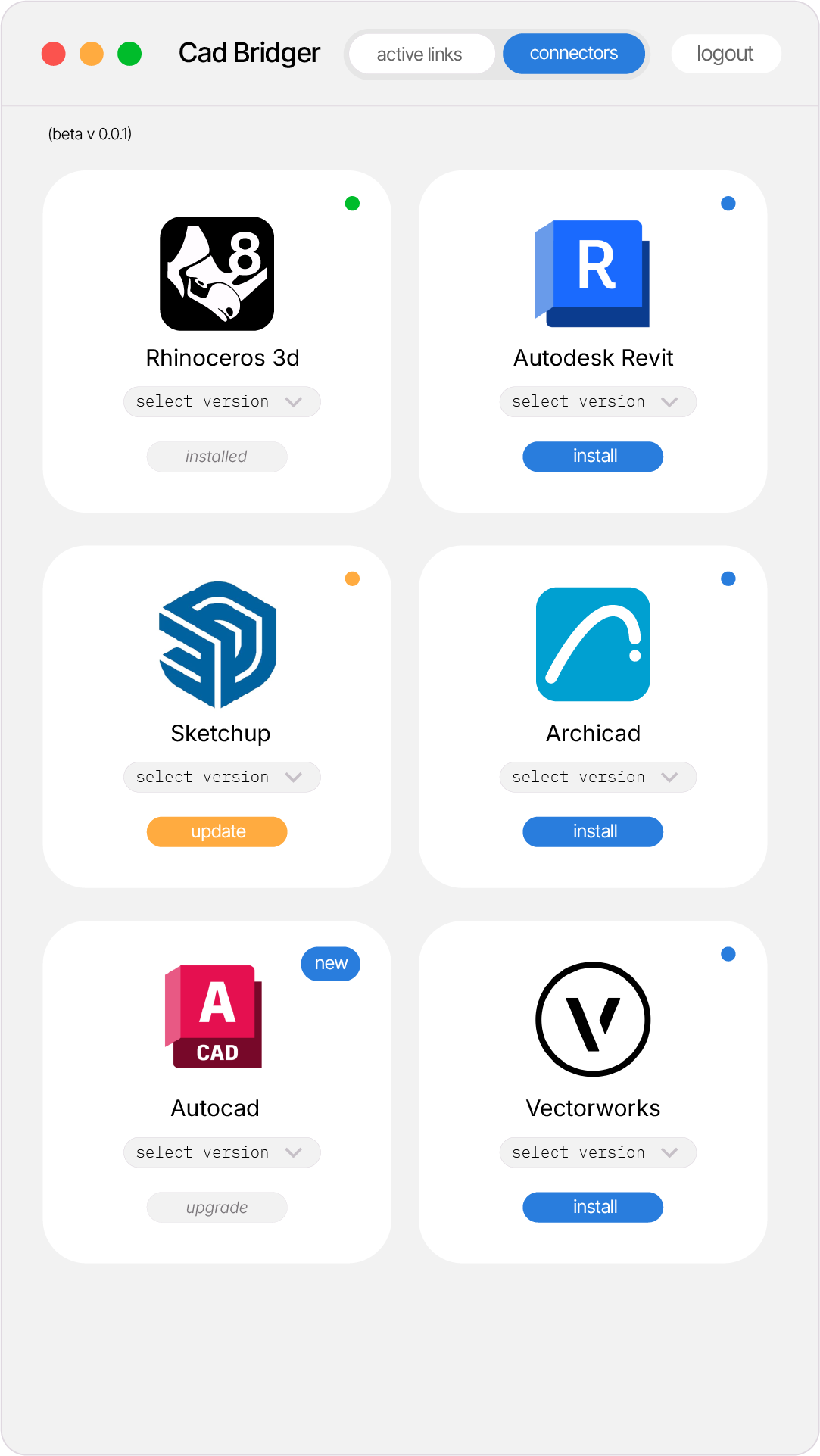
Install connector
Drop the plugin into your CAD app and install the Blender add-on. Two clicks each.
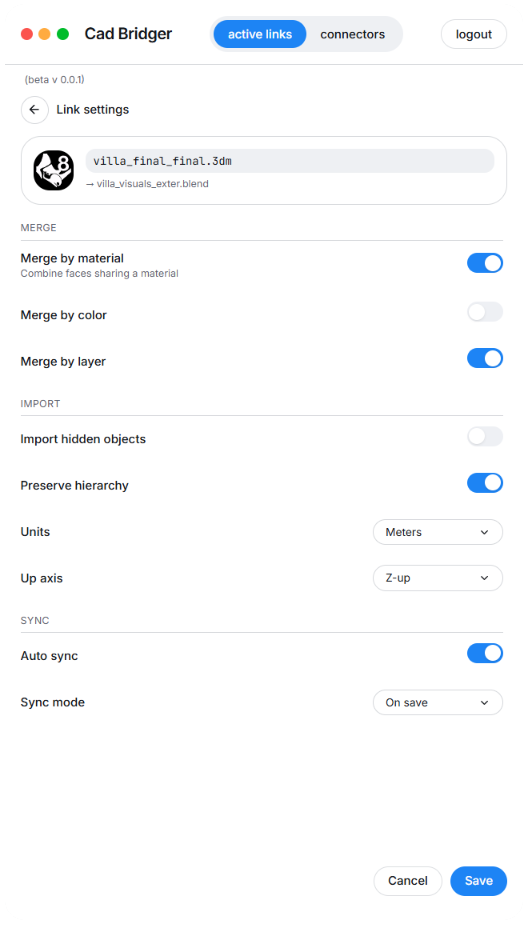
Setup sync rules
Choose how to group geometry, what materials to send and what level of meshing.
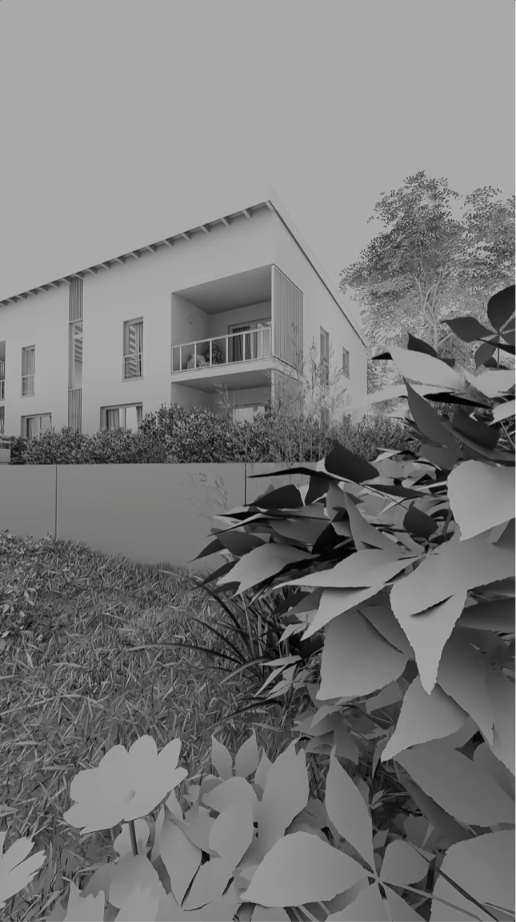
Render in Blender
Resend on change. Materials, metadata and hierarchy update in place — your Blender scene stays clean.
Use power of opensource Blender eco-system!
One click export and import
Send your CAD scene straight into Blender with a single action — no manual exporting or cleanup needed.
Your Blender work stays intact
When you change your CAD model, everything made in Blender is preserved: Materials, UVs, Blocks, Groups, Cameras, Vertex weights.
Units & Origin automatically setup
Real-world scale, orientation and shared origin are configured automatically so the scene lands exactly where it should.
Waitlist
Join beta now
Free for students 🎓
and get 50% off once the plugin goes live!
We're rolling out invites weekly. Drop your email and let's get in touch!